



18 May How to choose the right LDA software for each project
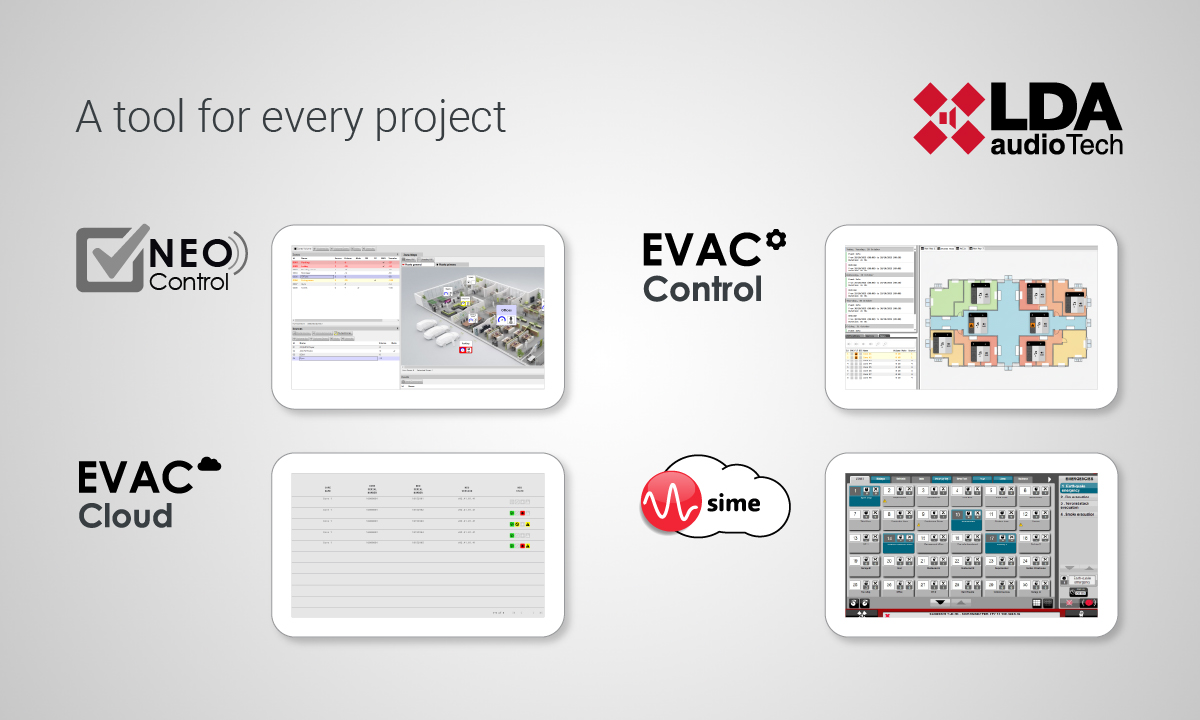
LDA Audio Tech offers a range of software solutions to control its public address and voice alarm systems and enhance their functionality. NEO Control, EVAC Control, EVAC Cloud and SIME each address operational needs depending on the type of project and its complexity.
In this guide we will carry out a practical comparison to help you understand them better and identify which one fits each project before specifying. Let’s get started.
The four software solutions at a glance
NEO Control is designed for NEO+ or NEO installations that only require basic volume control and audio sources routing. It is a self-installable and database-free application that allows to easily control and supervise the system, without additional infrastructure, scheduling or advance management.
EVAC platforms focus on supervision and maintenance of EN 54 systems. EVAC Cloud provides cloud access, basic configuration and fault alert notifications by email. It’s the perfect fit for distributed installations where there is no permanent local technical staff available.
EVAC Control goes further, since it includes all EVAC Cloud features and adds local operation: multilingual TTS with AI-powered automatic translation, virtual microphone, pre-recorded messages player, event scheduler and advance zone management. It is the right choice for medium and large projects where operation and control are critical.
Finally, SIME is built for high-complexity project and very specific needs. It covers large multisite installations that requires redundant architectures, integration with external systems and custom control logic. It is the best solution when the project doesn’t fit a standard template.
Features comparison table
The following table provides a detailed overview of the available functionalities in each software:
| FEATURE | NEO CONTROL | EVAC CONTROL | EVAC CLOUD | SIME |
| Includes hardware (server) certified as an EN 54 accessory | ✘ | ✔ | ✔ | ✘ |
| Compatible with NEO | ✔ | ✔ | ✔ | ✔ |
| Compatible with NEO+ | ✔ | ✔ | ✔ | ✔ |
| Compatible with ONE | ✘ | ✔ (Under development, with some functional limitations) |
✔ (Under development, with some functional limitations) |
✘ |
| Compatible with future LDA products | ✘ | ✔ | ✔ | ✘ |
| BGM source routing (PA) | ✔ | ✔ | ✘ | ✔ |
| Volume control per zone (PA) | ✔ | ✔ | ✘ | ✔ |
| Management of ZES-22 PA microphones (NEO) | ✘ | ✘ | ✘ | ✔ |
| Management of NEXO PA microphones (NEO+) | ✘ (Handled natively in NEO+ with NEXO and NEXO Hub) | |||
| Sending UDP triggers to NEO/NEO+ | ✔ | ✔ | ✘ | ✘ |
| System supervision by zone (faults, status, evacuation mode, etc.) | ✔ | ✔ | ✔ | ✔ |
| Easy to install and configure (no database required) | ✔ | ✔ | ✔ | ✘ |
| Allows adding installation floorplan | ✔ | ✔ | ✘ | ✘ |
| Single-site system | ✔ | ✔ | ✔ | ✔ |
| Multi-site system | ✘ | ✔ (Accessing each site individually) |
✔ | ✔ |
| VA functions (evacuation and alert) | Not natively, but available via events | Not natively, but available via events | ✘ | ✔ (With SIME EVAC module) |
| Calendar: one-time or recurring pre-recorded messages launching events, scheduling and colour tagging | ✘ | ✔ | ✘ | ✔ (With SIME Calendar module) |
| Master clock for internal clock synchronisation of NEO and NEO+ | ✘ | ✔ (Requires internet connection) |
✘ | ✘ |
| Virtual microphone to send voice messages from a client terminal in false live mode with pre-listen | ✘ | ✔ (Requires internet connection) |
✘ | ✘ |
| AES67 digital playback of up to 2 simultaneous pre-recorded message streams | ✘ | ✔ | ✘ | ✘ |
| Pre-recorded message playback via analogue output (2 simultaneous streams) | ✘ | ✔ | ✘ | ✔ (Server requires 2 sound cards) |
| Text-to-Speech (TTS) for multilingual and multi-voice pre-recorded message generation, including pre-listen | ✘ | ✔ (Requires internet connection) |
✘ | ✔ (With SIME TTS module) |
| User-customisable dashboard with up to 30 tabs and 30 zones per tab, featuring visual maps of the installation | ✔ | ✔ | ✘ | ✘ |
| Logs including all system actions | ✘ | ✔ | ✔ | ✔ |
| Remote supervision using cloud platform over the internet | ✘ | ✔ (Requires internet connection) |
✔ | ✘ |
| Secure remote access for advanced configuration functions (NEO Configurator Cloud) | ✘ | ✔ (Requires internet connection) |
✔ | ✘ |
| Encrypted data transmission | ✘ | ✔ | ✔ | ✘ |
| Redundant server architecture | ✘ | ✘ | ✘ | ✔ |
| SIP call integration | ✘ | ✘ | ✘ | ✔ (With SIME VOIP module) |
| Automatic gain control | ✘ | ✔ (Under development) |
✘ | ✔ (With SIME CAG module) |
Which one do you need for your project?
Beyond the features, your choice depends on the type of installation and what the customer needs to manage on a day-to-day basis. Here is a quick guide by scenario.
▶ NEO Control
This is the simplest option for projects that only require basic public address (PA) control. With no remote management or advanced functionality, its strength lies in its ease of installation and configuration.
Typical applications:
- Educational institutions: schools and universities with basic PA control.
- Corporate buildings (offices).
- Logistics centres: warehouses and industrial units.
- Small or medium-sized hotels with basic PA.
- Retail: shops and shopping centres (areas with simple background music management).
▶ EVAC Cloud
This is the go-to solution for remote monitoring and maintenance. It allows cloud access, basic configuration and fault alarm notifications via email. EVAC Cloud is designed for installations that do not require advanced local operation or complex real-time control.
Typical use cases:
- Educational institutions: networks of distributed schools.
- Small hotel chains without permanent on-site technical staff.
- Corporate buildings: offices without continuous on-site maintenance.
- Medium-sized logistics centres.
- Small clinics and healthcare centres.
▶ EVAC Control
This is the most comprehensive platform in the range, offering operation, control and monitoring functions. It includes EVAC Cloud as standard and adds extra capabilities for complex projects: advanced remote access and local control with extended features such as TTS, virtual microphone, pre-recorded message player, event calendar, comprehensive zone management, etc.
Typical use cases:
- Airports of any size.
- Rail and metro networks.
- Urban, road or rail tunnels.
- Large shopping centres.
- Convention and conference centres, exhibition venues.
- Sports centres: stadiums and arenas.
- Hospitals and large healthcare complexes.
- Large-scale resorts and hotels.
- Complex corporate buildings and campuses.
▶ SIME
Suitable for complex projects, SIME allows the solution to be adapted to architectures requiring deep integration with external systems, full redundancy and bespoke control logic. It is the standard choice for large networks or when SIME is already installed on the project.
Typical use cases:
- Rail and metro networks (entire metropolitan networks).
- Airports: large international hubs with complex integration.
Not sure what to specify?
If your project has specific requirements or doesn’t quite fit into any of these scenarios, contact us and we will help you to configure it.
FAQ: Management and control software for LDA public address and voice evacuation systems
What is the main difference between EVAC Cloud and EVAC Control?
EVAC Cloud is designed exclusively for remote monitoring and maintenance: cloud access, basic configuration and fault alerts via email. EVAC Control includes all of that and adds advanced local operation: TTS, virtual microphone, event calendar and zone management. If the project requires working on the system, not just monitoring it, the option is EVAC Control.
Does NEO Control allow remote monitoring or cloud access?
No. NEO Control is a local application without a database, designed for basic volume control and audio routing. It does not include remote access or cloud monitoring functions. For that, the minimum option is EVAC Cloud.
Do EVAC Control and EVAC Cloud include EN 54-certified hardware?
Yes. Both EVAC Control and EVAC Cloud include a server certified as an EN 54 accessory (industrial hardware device with a Linux operating system).
Which software should I choose if the project requires a redundant server architecture?
SIME is the only LDA software compatible with a redundant server architecture. However, in the case of EVAC CONTROL and NEO+, the system’s critical functions are already managed natively by NEO+, and it does support a redundant architecture with dual NEO+ controller.
Can a multi-site installation be managed with EVAC Control?
Yes, but by accessing each site individually. SIME is the right choice if the project requires centralised management of multiple installations from a single interface.
Does EVAC Control require an internet connection?
EVAC Control requires an internet connection for certain functions, specifically TTS for generating pre-recorded messages, the virtual microphone and remote monitoring. Without an internet connection, it would operate locally with certain basic functions (routing, volume control and the schedule for pre-recorded messages).